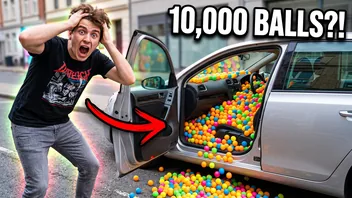
 14:02
My brother's car vs. 10,000 ping pong balls
Prank Patrol
3.4M views · 2 days ago
YouTube won't let a regular account block a channel. You can tell it you're not interested, and it may show that creator a bit less. To make a channel disappear from every list, you need a browser extension.
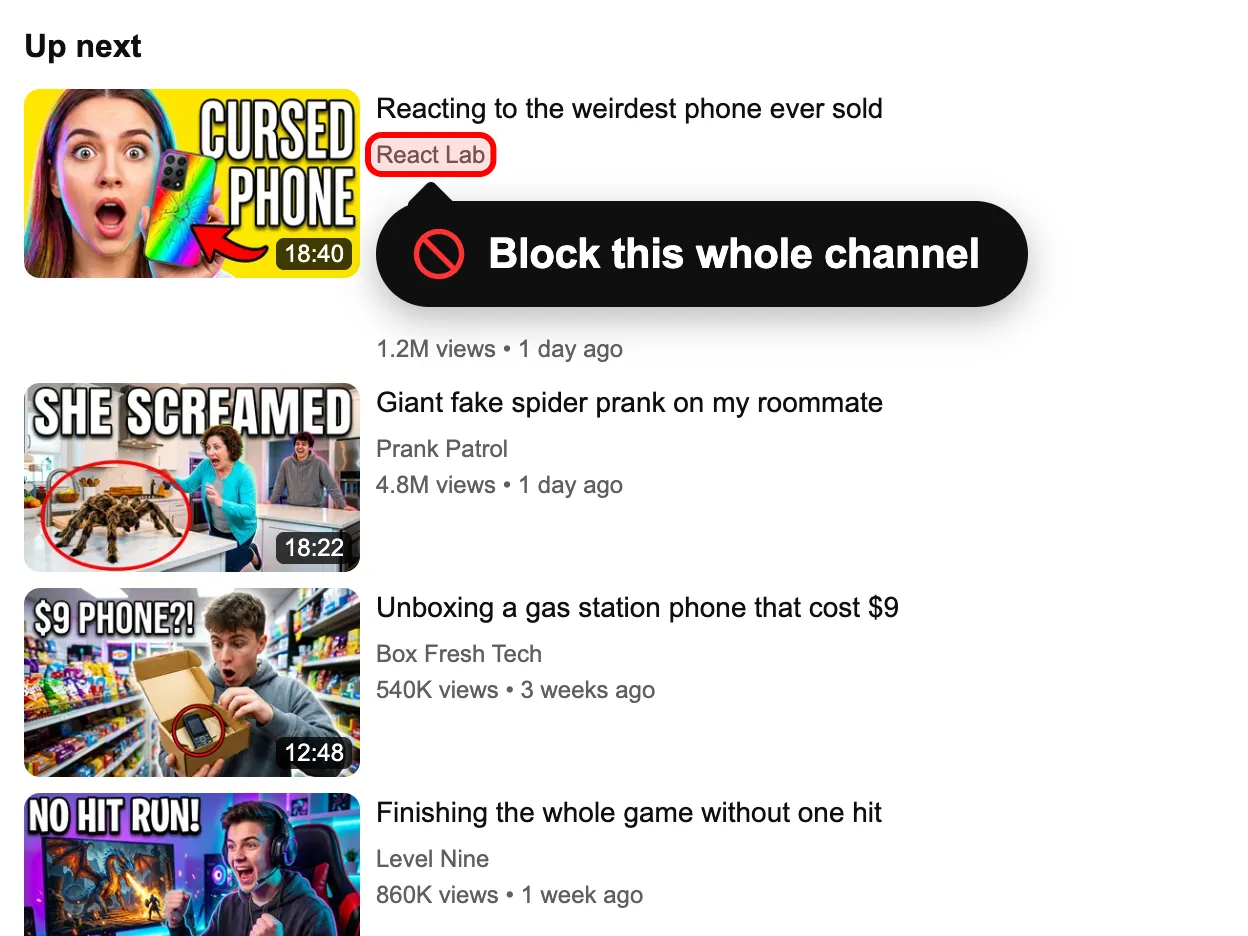
Sample feed: press Block channel on any video
The channels and videos are made up. The feed reacts the way YouTube does with the extension installed.
Showing all 3 items. Nothing is hidden yet.
14:02My brother's car vs. 10,000 ping pong balls
Prank Patrol
3.4M views · 2 days ago
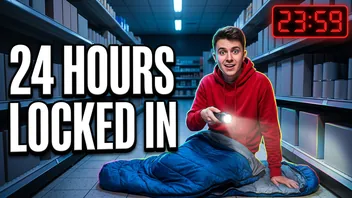 27:41
Locked inside a supermarket until sunrise
Night Shift Nate
8.2M views · 5 days ago
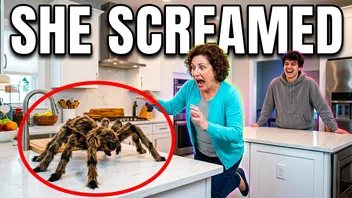 11:55
Giant fake spider vs. my mom
Prank Patrol
5.1M views · 3 weeks ago
Everything in this demo feed is hidden. Press Reset demo to bring it back.
This is a sample feed. Install the extension to do the same on YouTube itself.
Get the free extensionThree menu items get mixed up a lot. None of them removes a channel from everything you see.
Parents who supervise a child's account have a real "Block channel for kids" option on YouTube, and it carries over to YouTube Kids on the same account. Ordinary accounts don't get it, which is why so many people search for a way to do it.
Install the free extension in Chrome, Edge, Brave or Opera; the install page has the file and a short guide. Open the panel from the red icon and make sure the switch at the top says On.
Get the free extension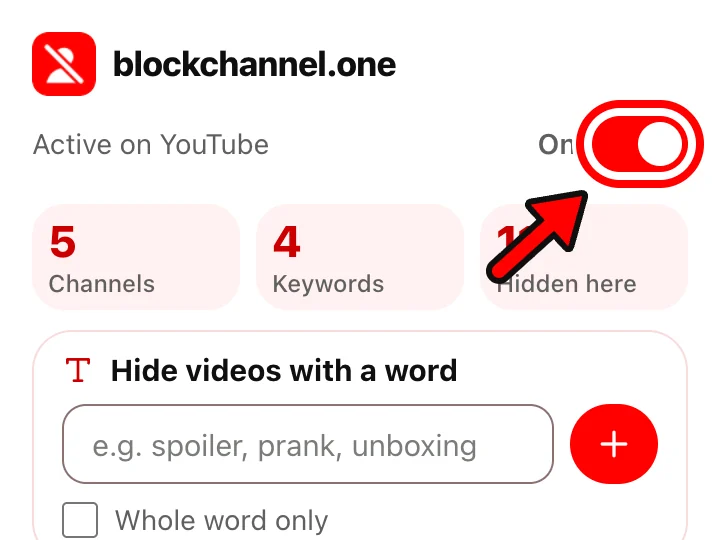
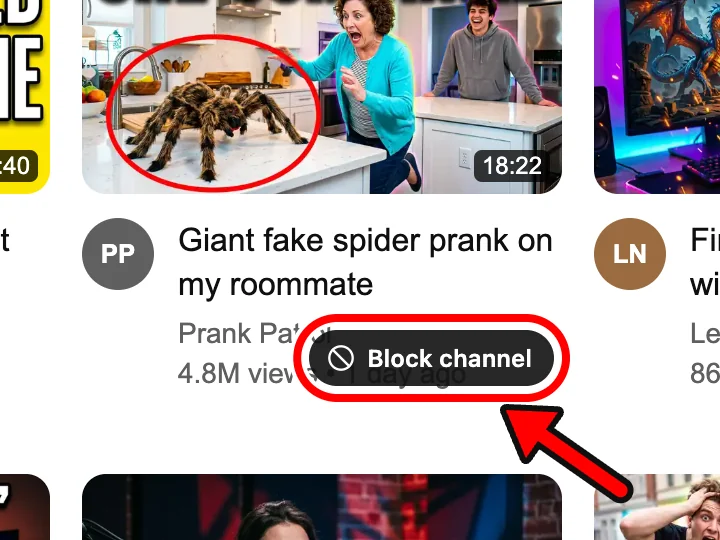
Go to youtube.com and rest the mouse on any video from the creator you're done with. A Block channel button appears on the card. On a channel page the same button sits next to Subscribe.
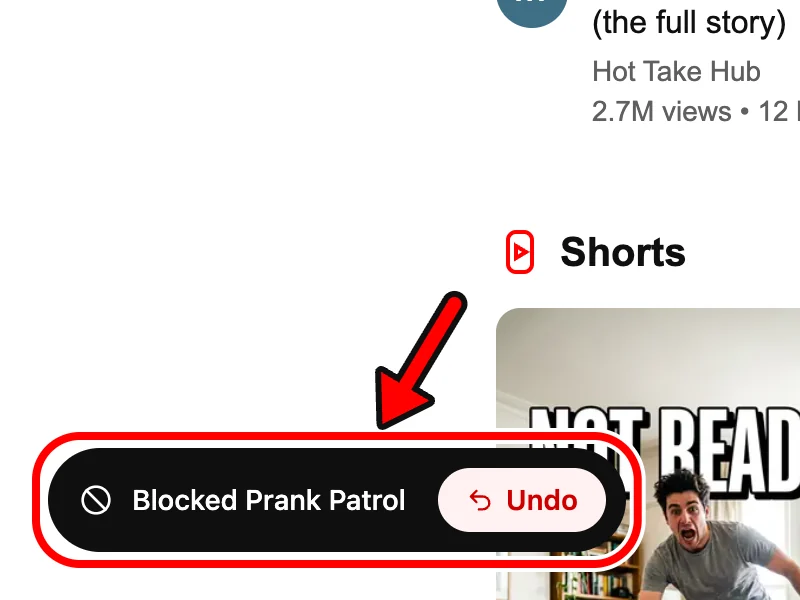
Every video from that channel leaves the page and keeps away while you browse. A message at the bottom offers Undo for a few seconds. Later you can unblock anyone from the list in settings.
| On YouTube | After you block a channel |
|---|---|
| Home | Its videos are hidden |
| Search results | Its videos and the channel card are hidden |
| Up next, beside the player | Its videos are hidden |
| Subscriptions | Its videos are hidden |
| Shorts shelves | Only when YouTube shows the channel on the Short. Hide Shorts removes them all |
| A link someone sends you | The video still plays. The extension hides cards, not pages |
| Their comments under other videos | Still visible |
| You want | Don't recommend channel | The extension |
|---|---|---|
| The creator off your Home page | Less often, no promise | Not shown at all |
| The creator out of search | Not covered | Hidden |
| The creator out of Subscriptions | Not covered | Hidden |
| A list you can check | None | In settings, with search |
| Undo one channel | Only by clearing all feedback | Unblock button per channel |
| Phone and TV apps | Follows your account | Computer only |
| Google sign-in needed | Yes | No |
With YouTube's own settings, only on a supervised kids' account. A regular account gets Don't recommend channel, which only makes the creator rarer in recommendations. An extension can hide the channel everywhere on youtube.com on your computer.
YouTube has no option for that. Once you block the channel with the extension, its videos and its channel card are left out of search results.
No. It's a signal for the recommendation system, so the channel's videos can still turn up in search and elsewhere.
No. Cards are hidden on your screen and nothing is sent to YouTube or to the channel.
The extension can't help there: it doesn't run in the YouTube apps, on TVs, in YouTube TV or in YouTube Kids. Don't recommend channel and, for supervised kids' accounts, Block channel for kids are what those devices offer.
Open the extension's settings, find the channel in the Blocked channels list (there's a search box) and press Unblock. Its videos return as YouTube loads new cards or when you reload.
Last updated
Free, no account, and any block comes off with one click. Runs in Chrome, Edge, Brave and Opera on a computer.
This is a screenshot.
Install the extension to block content on your real YouTube.
Get the free extension