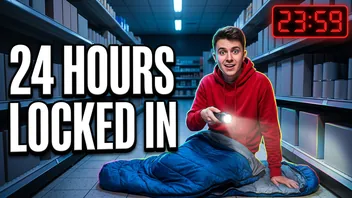
 27:41
Locked inside a supermarket until sunrise
Night Shift Nate
8.2M views · 5 days ago
YouTube lets you ask for fewer Shorts, and that's about it. There's no setting that clears them off Home, search and Subscriptions. On a computer, a free extension can do it with one switch.
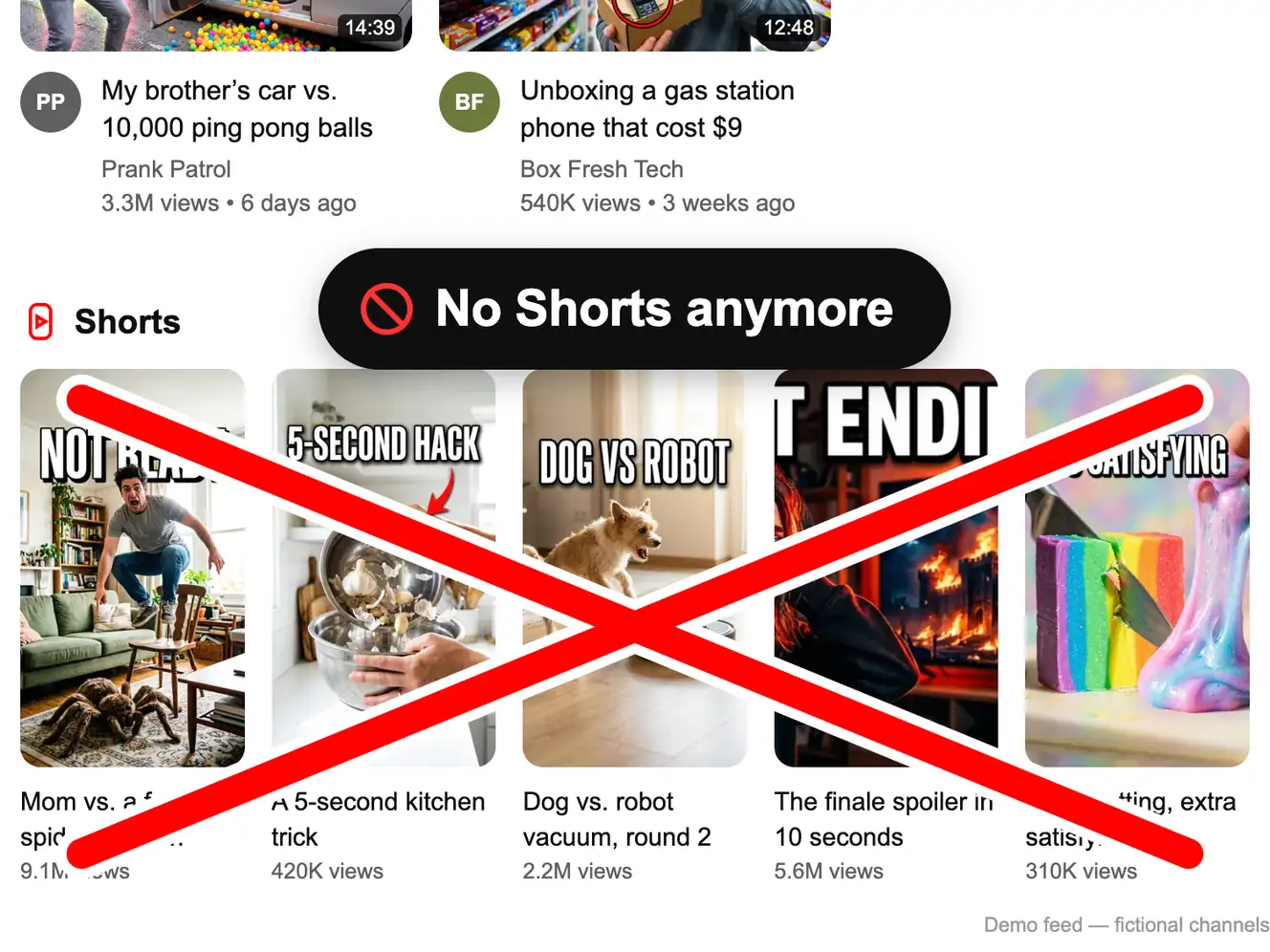
Sample feed: switch Shorts off and on
The channels and videos are made up. The feed reacts the way YouTube does with the extension installed.
Showing all 8 items. Nothing is hidden yet.
27:41Locked inside a supermarket until sunrise
Night Shift Nate
8.2M views · 5 days ago
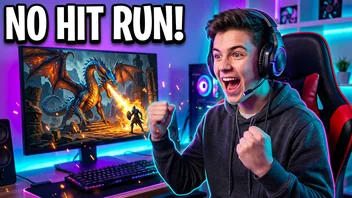 41:22
Finishing the whole game without one hit
Level Nine
980K views · 4 days ago
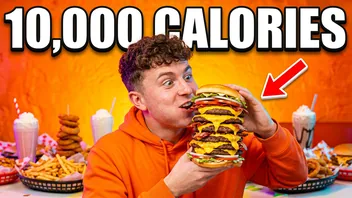 22:17
Eating a 10,000 calorie burger (ASMR)
Big Bite Bros
4.6M views · 2 weeks ago
Shorts

Wait until the end
12M views
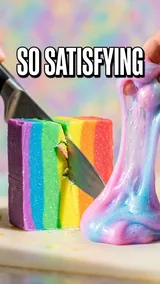
Soap cutting, extra satisfying
2.3M views
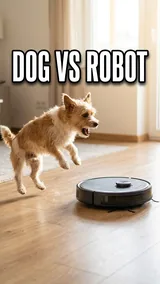
Dog vs. robot vacuum, round 2
7.7M views
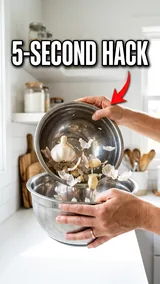
A 5-second kitchen trick
1.4M views
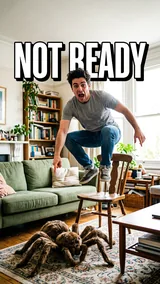
He did not see the spider coming
9.1M views
Everything in this demo feed is hidden. Press Reset demo to bring it back.
This is a sample feed. Install the extension to do the same on YouTube itself.
Get the free extensionThe built-in options send feedback. You'll see Shorts less, but they don't go away.
Parents of a supervised kids' account can set a daily time limit for the Shorts feed.
Install the free extension in Chrome, Edge, Brave or Opera; the install page has the file and a short guide. Open the panel from the red icon and make sure the switch at the top says On.
Get the free extension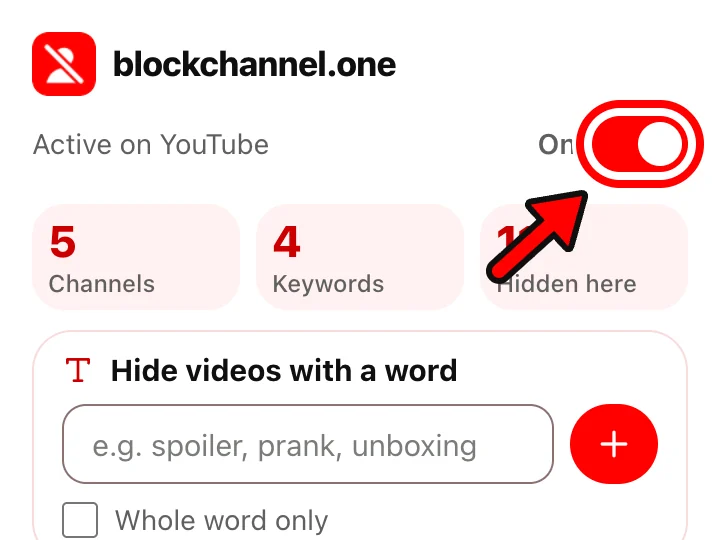
Click the red icon and flip the Hide Shorts switch. It stays on after the browser restarts.
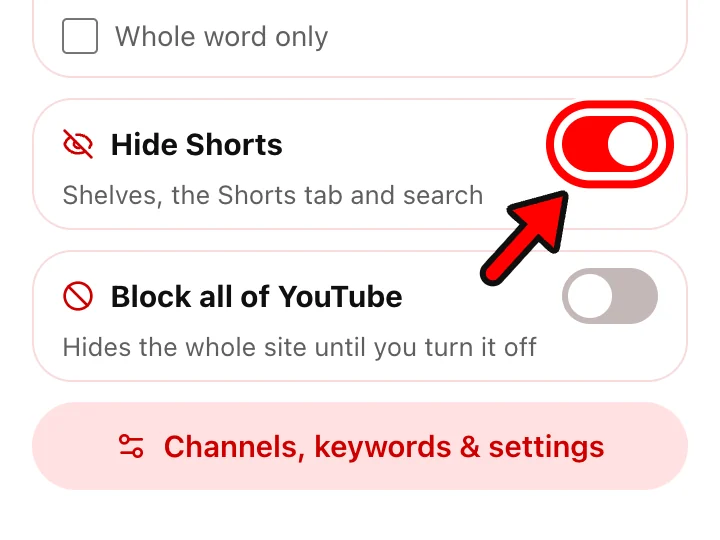
The Shorts shelf leaves Home, and Shorts cards leave search results, Subscriptions and the Up next column. Ordinary videos stay where they were. The Shorts entry in the side menu, the Shorts filter chips and the Shorts tab on channel pages go too.
| On YouTube | With Hide Shorts on |
|---|---|
| The Shorts shelf on Home | Hidden |
| Shorts in search results | Hidden |
| Shorts in Subscriptions | Hidden |
| Shorts in Up next | Hidden |
| Side menu entry, filter chips, channel tab | Hidden |
| A /shorts/ link | Paused under a notice, with a link to the regular player |
| Regular videos | Untouched |
| You want | YouTube | The extension |
|---|---|---|
| No Shorts shelf on Home | Show fewer Shorts in the app reduces them | Gone while the switch is on |
| No Shorts in search | No | Yes |
| No Shorts in Subscriptions | No | Yes |
| Bring them back in a second | Delete feedback in My Activity | Flip the switch |
| The phone app | Show fewer Shorts, a daily limit for kids' accounts | Computer only |
Not completely with YouTube's own controls. On a computer, the extension's Hide Shorts switch keeps them hidden for as long as it's on.
Install the extension and switch on Hide Shorts. It stays on until you switch it off, across restarts.
Not with this extension, since the apps for iPhone, iPad and Android don't run extensions. In the app, "Show fewer Shorts" is what you get, plus a daily Shorts limit on supervised kids' accounts.
No. The extension sends YouTube nothing and only hides Shorts on your screen. Switch it off and the page looks as it did before.
Yes. Open the link and press "Open as a normal video" on the notice, or turn Hide Shorts off in the panel for a moment.
Last updated
Free, no account, and any block comes off with one click. Runs in Chrome, Edge, Brave and Opera on a computer.
This is a screenshot.
Install the extension to block content on your real YouTube.
Get the free extension